Every AI app
Read and write your library in Claude, ChatGPT, any app that speaks the standard.
Your notes, prompts and skills in a plain-text library available across your projects, devices and teams. Run on any AI.
If you're not running one of your own methods from your library in 7 days, don't pay.
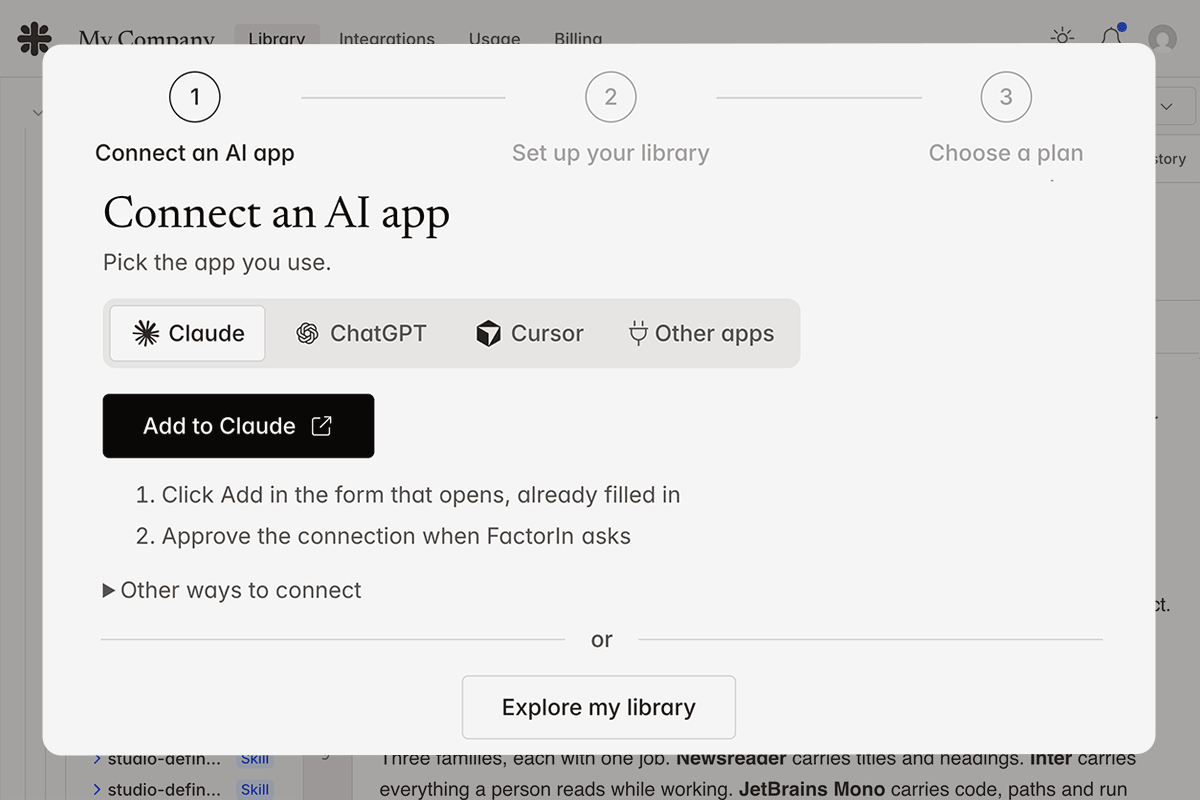
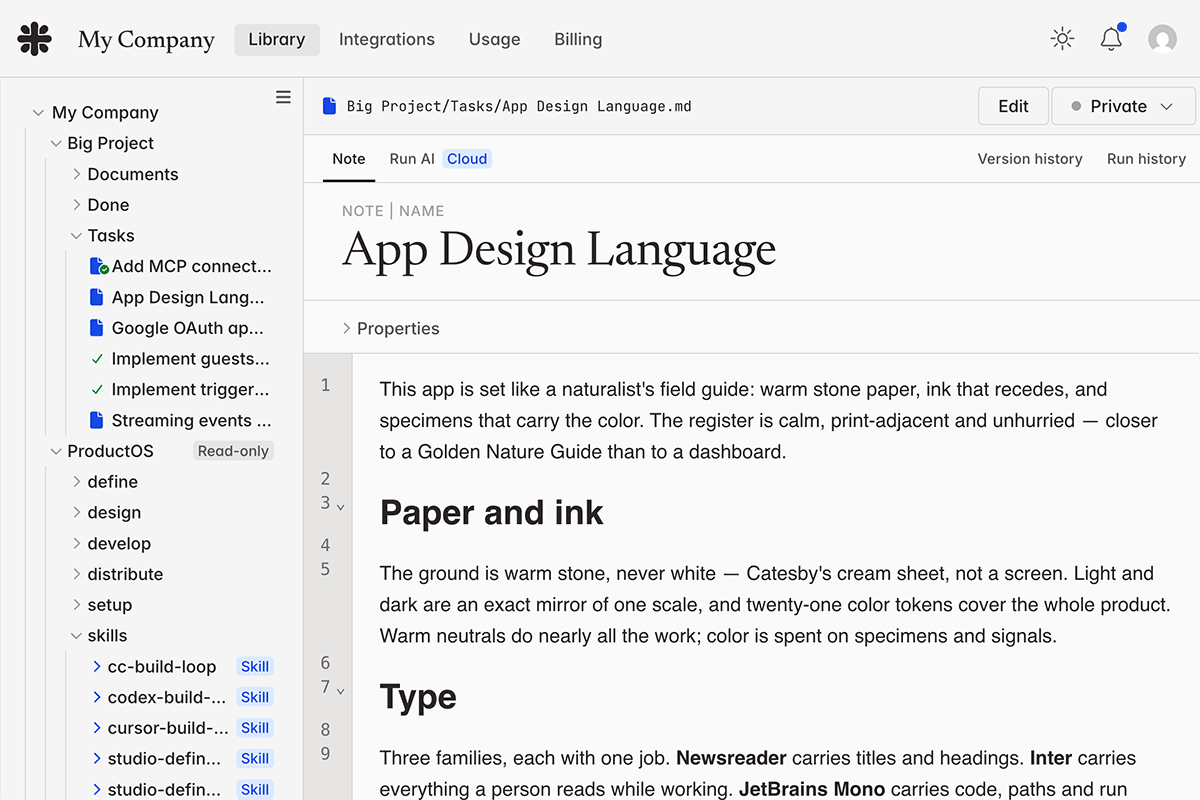
1. Connect any AI — 2. Your library, available everywhere
The problem
Every task you give to AI needs the same things: the job to do, the rules to follow, the relevant data, the examples that worked before. In short, the context.
You rebuild context by hand every session. In long sessions, it grows too large and starts to "rot." Your work gets lost in chat transcripts you'll never reread. You get deliverables, but nothing you can reuse or hand to a colleague.
Assistants offer project folders and "memory" to organize and remember your stuff. Then they rent it back to you.
The library
Notes, prompts and skills in plain text. Some you write. Some you borrow. Some you generate from the body of work you already have.
Your library is yours. Curated by you, for the work you do. Accessed from the tools you use, now and in the future. And exported whole in one click.
Read and write your library in Claude, ChatGPT, any app that speaks the standard.
The same library whether working at your desk, on your laptop or on your phone.
One shared library the whole team runs — not a copy that goes out-of-sync. Every member keeps a personal library too, and stats show what you and your team actually use.
Your library grows and travels with you.
A better way to work
LLMs work better in files than in chat. A specific task or todo? Make it a file. How to do it? Links to other files: the style guide, the prior art, an agent skill. Unlike chat, every important element can be refined and reused.
Developers got here first. They call it "spec-driven development." More broadly, reference-driven work is a revelation. Documents are the love language of LLMs — and intelligent humans, too. 😉
Ownership
Plain text files you can see and take with you anywhere.
Revision
Everything written to your library is a version you can keep or roll back.
Compounding
A method that worked becomes a file. Use it next time, or hand it to a colleague.
Every task gets its own fresh context — the files you chose and nothing else. No bloated history, no context rot.
In the cloud
Big tasks, in one shot: many turns of real work, unattended.
Runs happen off your machine, in a secure sandbox. Only the result comes home.
How each file came to be: the prompts that ran, the models used, what it cost.
Kick off AI work from anywhere. Work runs with your laptop closed.
Pricing
Your personal library of notes, prompts and skills that works with any AI
Start my library
Cloud adds
Your personal library of notes, prompts and skills that works with any AI
Start my library
Cloud adds
Your library doing the work: any model, many at once, off-device
Start my library
Cloud adds
Your library doing the work: any model, many at once, off-device
Start my library
Cloud adds
Your shared library of notes, prompts and skills that works with any AI
Start my library
Cloud adds
Your shared library of notes, prompts and skills that works with any AI
Start my library
Cloud adds
Your shared library doing the work: any model, many at once, off-device
Start my library
Cloud adds
Your shared library doing the work: any model, many at once, off-device
Start my library
Cloud adds
About a quarter of a Claude Max or ChatGPT Pro subscription.
Need SSO, custom data terms, dedicated support or volume pricing? Contact us
Frequently asked